
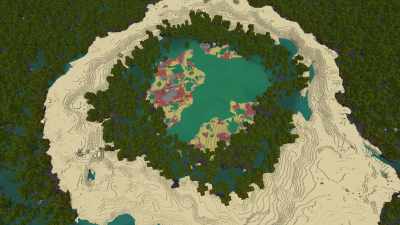
 01
01The Sulfur Eye
Java 26.2
Seed
3010093401612243309Minecraft Seed Maps For Java & Bedrock
Discover remarkable curated worlds for Java and Bedrock. Browse the collection, copy a seed, and find a new place to explore.
Explore More Curated Worlds In MineyMap →Showing 18 curated worlds · 2 more to discover in the app
013010093401612243309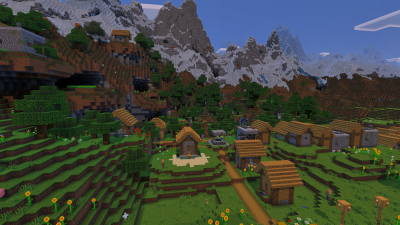 02
024 marked locations
6284773292341205277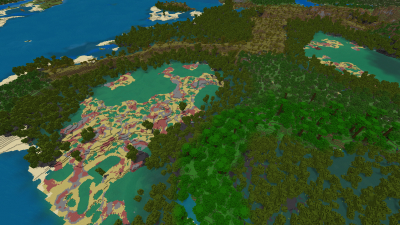 03
038371904829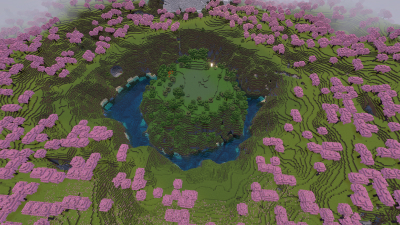 04
041 marked location
2048005618087379093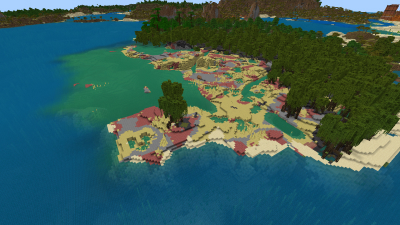 05
0548207397359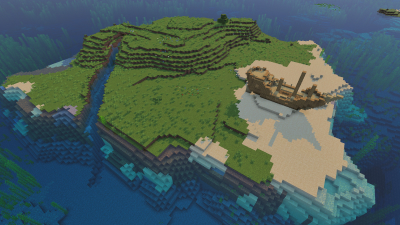 06
0622089717064712277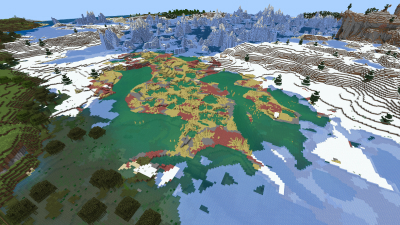 07
0747931904459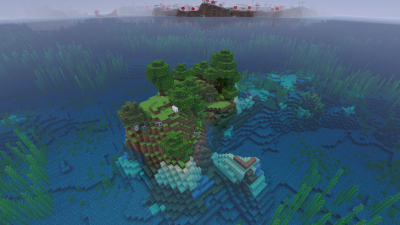 08
081 marked location
1025815101393644459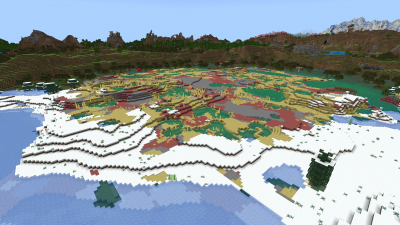 09
0948097697060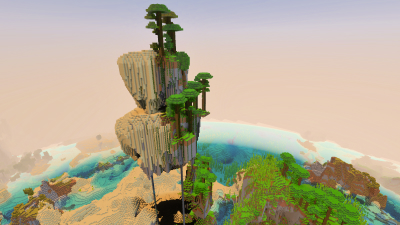 10
103526870991804995062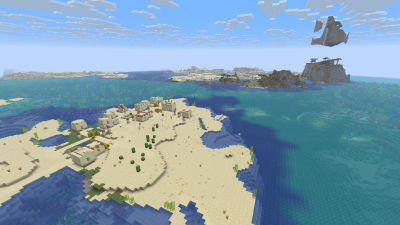 11
111 marked location
4981524713904684646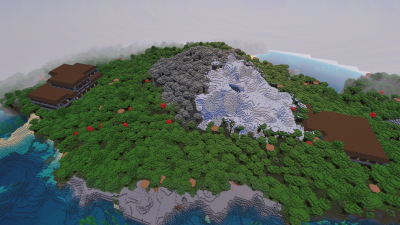 12
12257704921313721341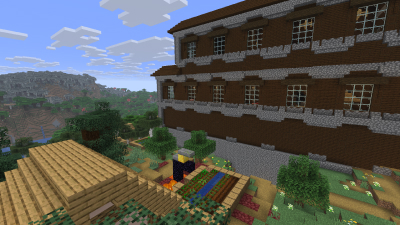 13
1337021689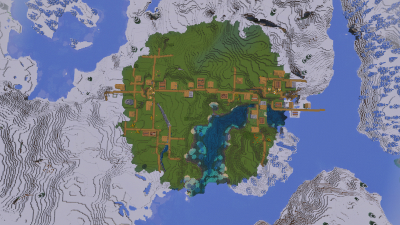 14
14175398515007493857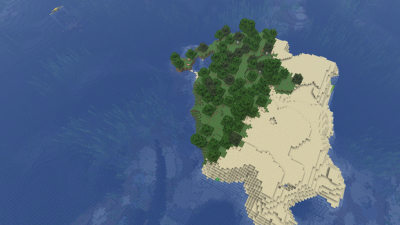 15
151 marked location
1664128793606897522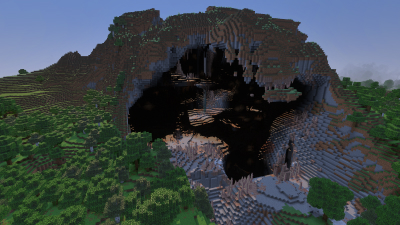 16
161 marked location
-7004127736181028064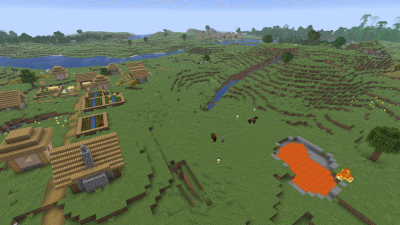 17
172 marked locations
-1718501946501227358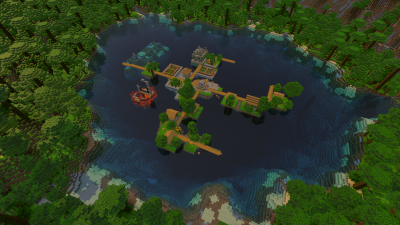 18
18-9223372036779253829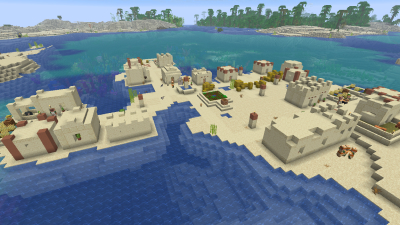
Continue discovering curated worlds in MineyMap, including this one.
Download MineyMap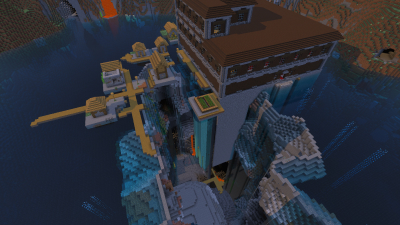
Continue discovering curated worlds in MineyMap, including this one.
Download MineyMapHow It Works
Find a landscape here that looks like your next great adventure
Copy the seed number shown on the world card
In Minecraft, create a new world and paste the copied seed into the world-generation settings
Keep Exploring
Continue the journey in MineyMap, where curated world seeds and mapping tools come together in one place.
Download & Explore More WorldsFree Contains ads Subscription available