01
Will the Same Seed Work in Both Editions?
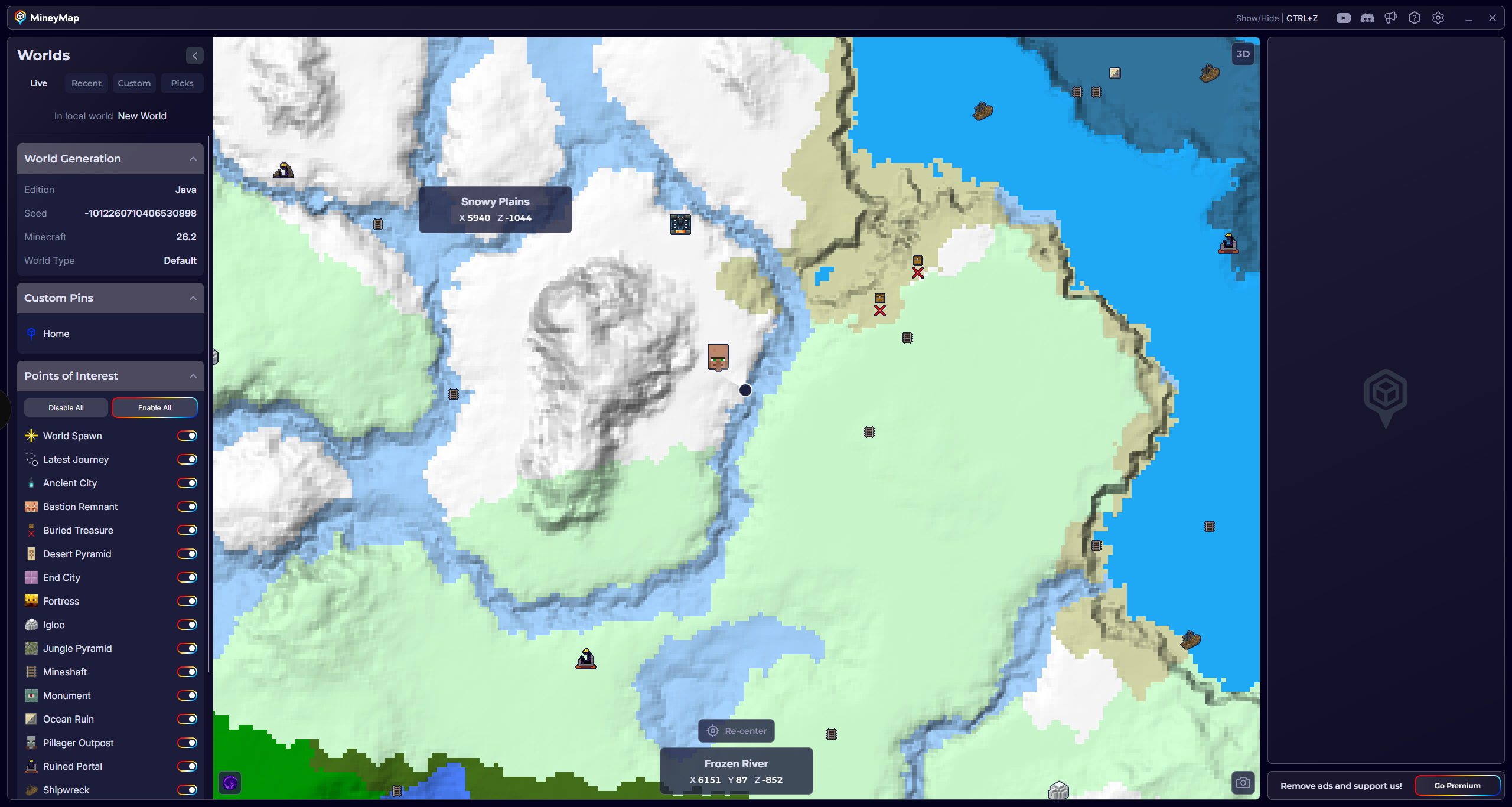
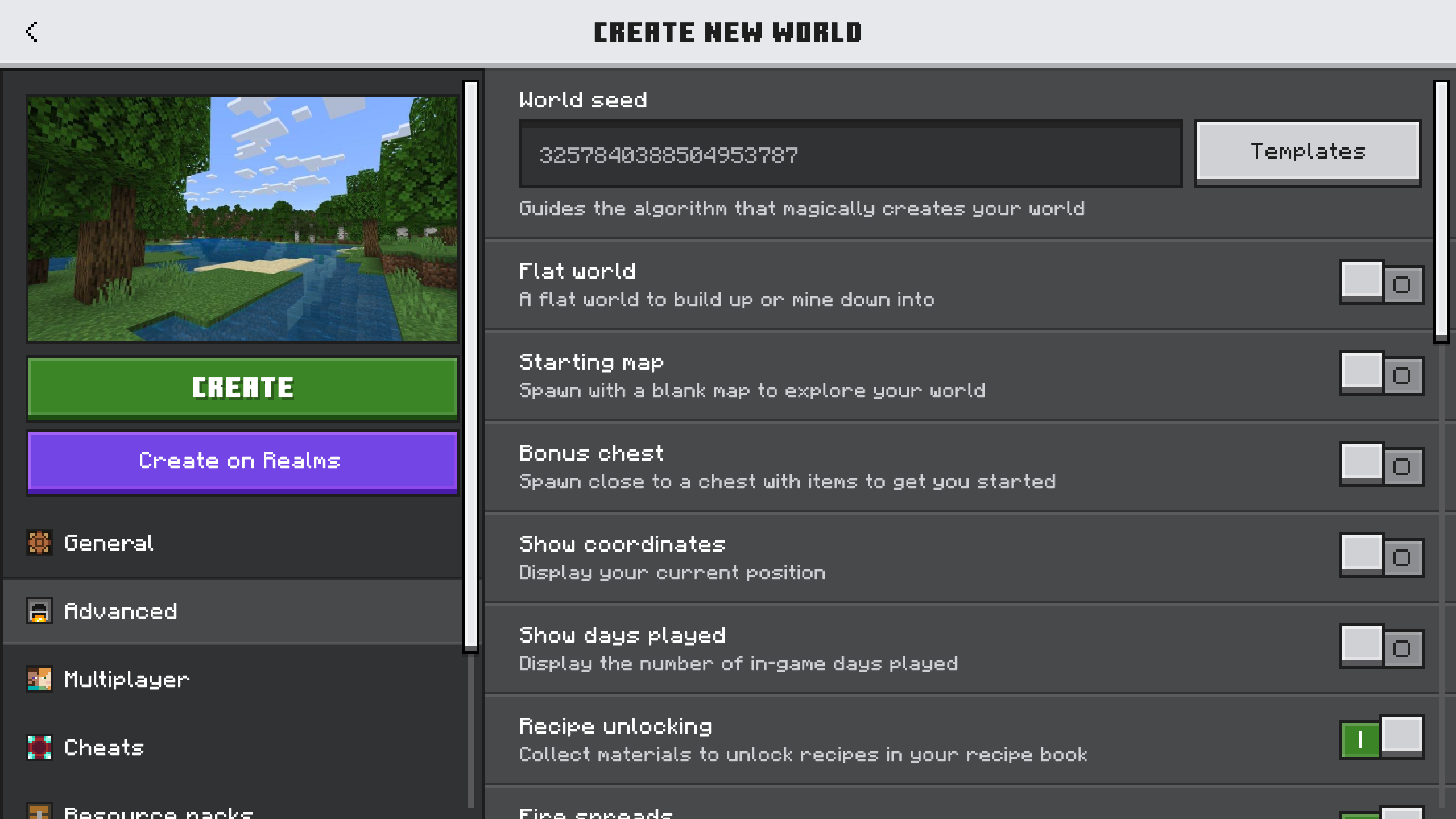
Yes. You can use the same seed number in modern Java and Bedrock editions. The biome layout will match, while some other parts of the world can differ.
02
What Stays the Same
On modern Java and Bedrock versions, the same seed produces the same biomes and biome boundaries. The overall terrain is also closely aligned, although small terrain details can still vary.
03
Where the Editions Differ
With the exception of Trail Ruins and Trial Chambers, generated structures and features are usually placed differently in Java and Bedrock. A village, stronghold, mansion, or similar discovery in one edition will rarely appear at the same coordinates in the other.
04
How Minecraft Versions Affect a Seed
A seed will usually look familiar from one version to another, but newer releases may introduce different biomes or structures in some areas. Check the version when a particular location or feature matters to you.
05
Check the Edition Before You Start
When you find a seed through a screenshot, video, or the MineyMap Curated Worlds collection, check whether it is labeled for Java, Bedrock, or both. The edition label helps set the right expectation for what you will find.
06
See the Edition You Play with MineyMap
MineyMap supports both Java and Bedrock and maps the edition you are actively playing. Curated World Picks are labeled by edition too, so the terrain, locations, and recommendations you see stay relevant to your game.