Minecraft Biome Guide

How to Find Biomes in Minecraft

Learn how to search for biomes with direction, environmental clues, coordinates, and commands, then compare that traditional search with finding the same terrain on a live world map.

From Exploration To World ViewMinecraft terrain showing snowy, forested, mountainous, and lakeside biomes meeting
Read terrain cluesSearch methodicallyA live-map alternative

01

Explore with a Direction and a Return Point

Before leaving a base, record its coordinates and choose a direction. Consistent travel makes it easier to understand which terrain you have already searched and how to return safely.

02

Read Environmental Clues

Terrain shape, vegetation, block colors, weather, and elevation often signal that a different biome is nearby. A high viewpoint can reveal transitions that are difficult to notice at ground level.
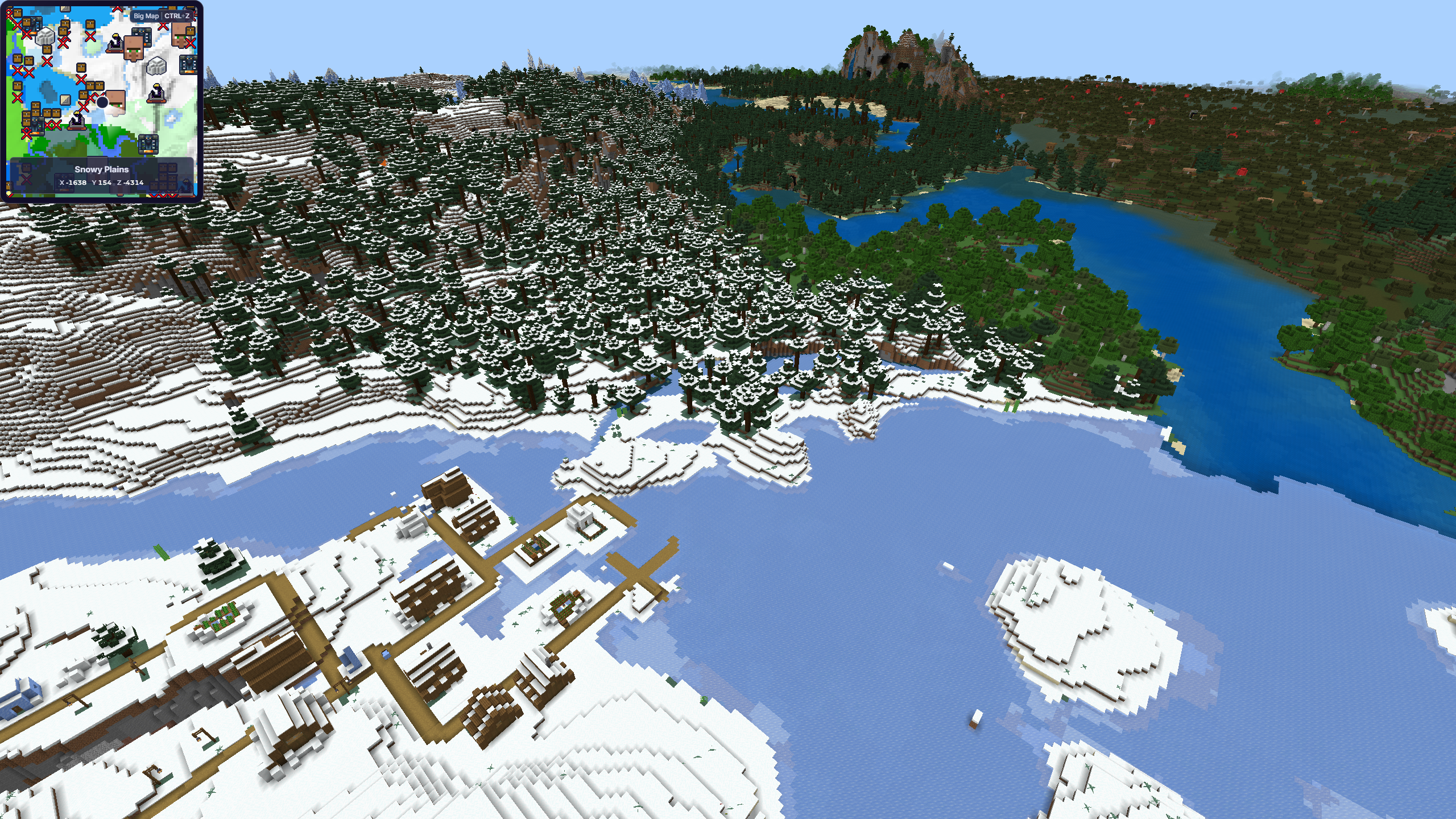
A high viewpoint showing snowy, forested, mountainous, and lakeside biomes meeting
Changes in vegetation, snow cover, elevation, and water can make biome transitions easier to spot from above

03

Know the New Biomes Worth Looking For

Minecraft's biome list keeps growing, because apparently the Overworld had not yet provided enough reasons to abandon your half-finished base.
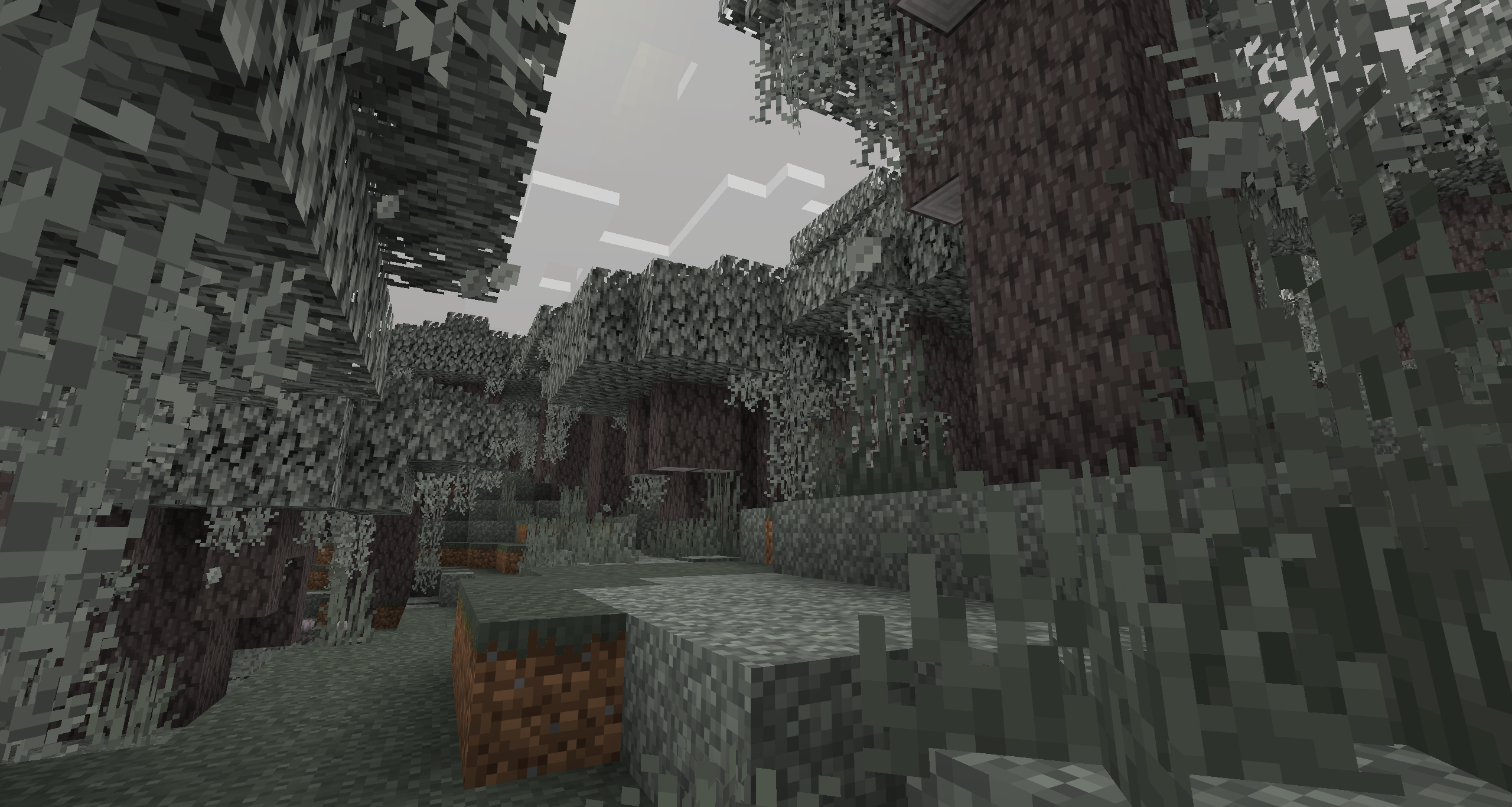
Minecraft Pale Garden with pale oak trees and hanging moss
Pale GardenA released Dark Forest variation with pale oak, hanging moss, eyeblossoms, and the Creaking
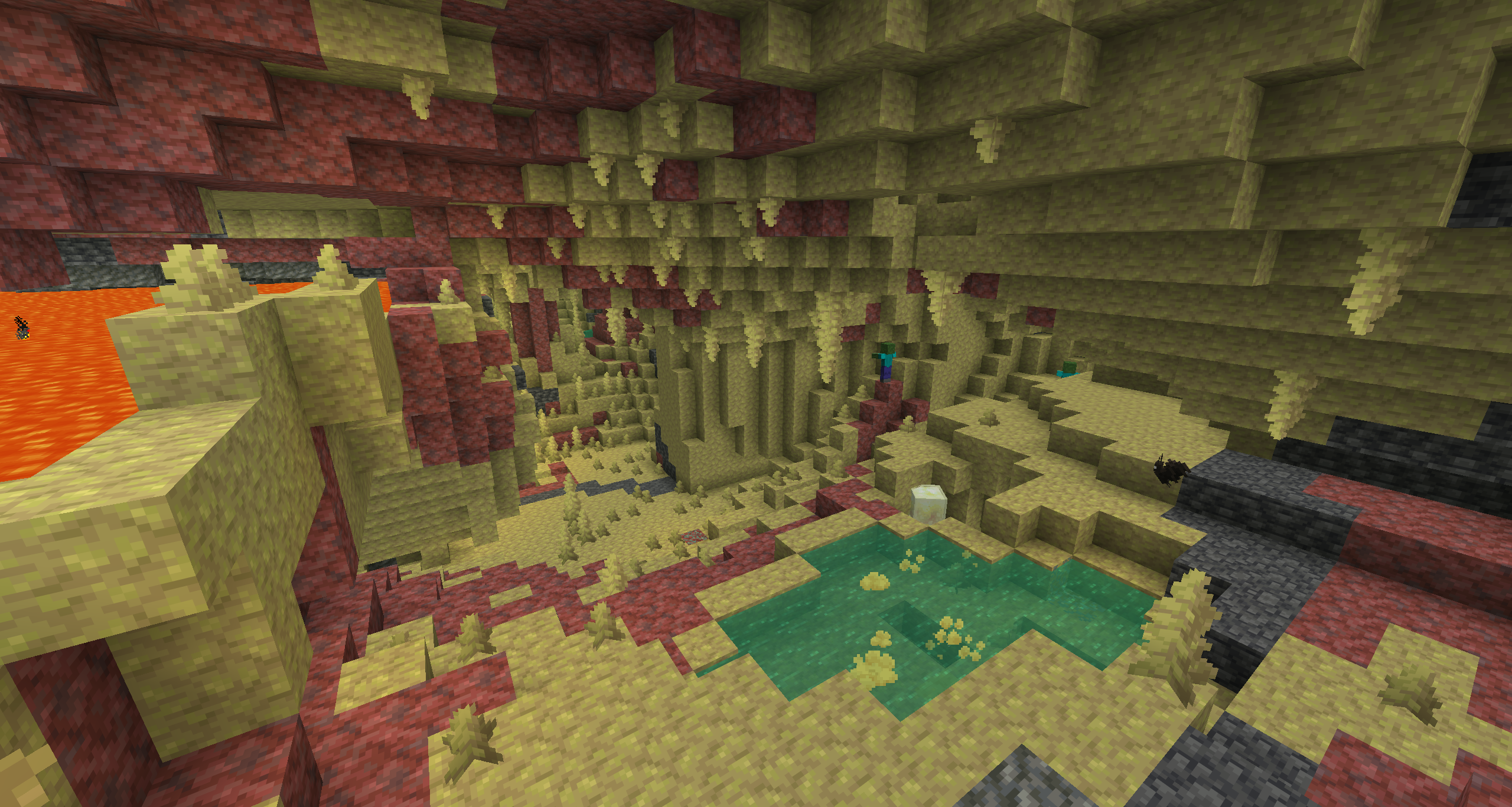
Minecraft Sulfur Caves with sulfur formations and bubbling pools
Sulfur CavesAn underground 26.2 biome with sulfur, cinnabar, bubbling pools, and Sulfur Cubes. Sulfur springs can mark the terrain above
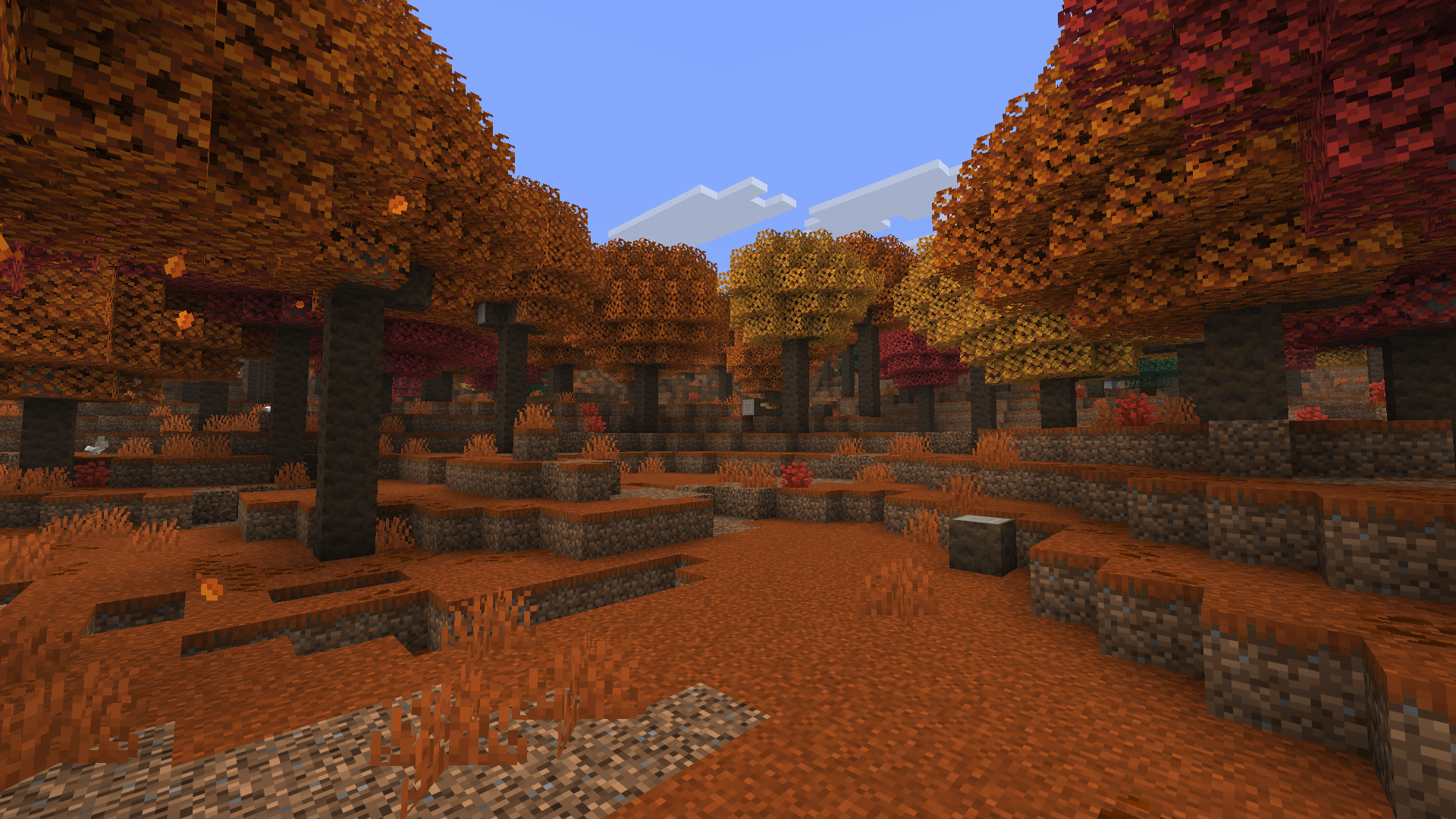
Minecraft Dappled Forest with autumn-colored trees
Dappled ForestA forest near cold biomes with poplar trees, autumn-colored leaves, shelf mushrooms, and abandoned camps, currently in 26.3 testing

04

Use Commands Only When They Fit Your World

Players with the appropriate permissions may use Minecraft commands to locate some biomes. Commands are not available or desirable in every survival world, so exploration and mapping remain useful.

OR!

05

Choose the Biome on MineyMap

Instead of searching one horizon at a time, use MineyMap to find the biome you want and choose an area to visit. The full world map shows that terrain in relation to your current position before you commit to the journey.
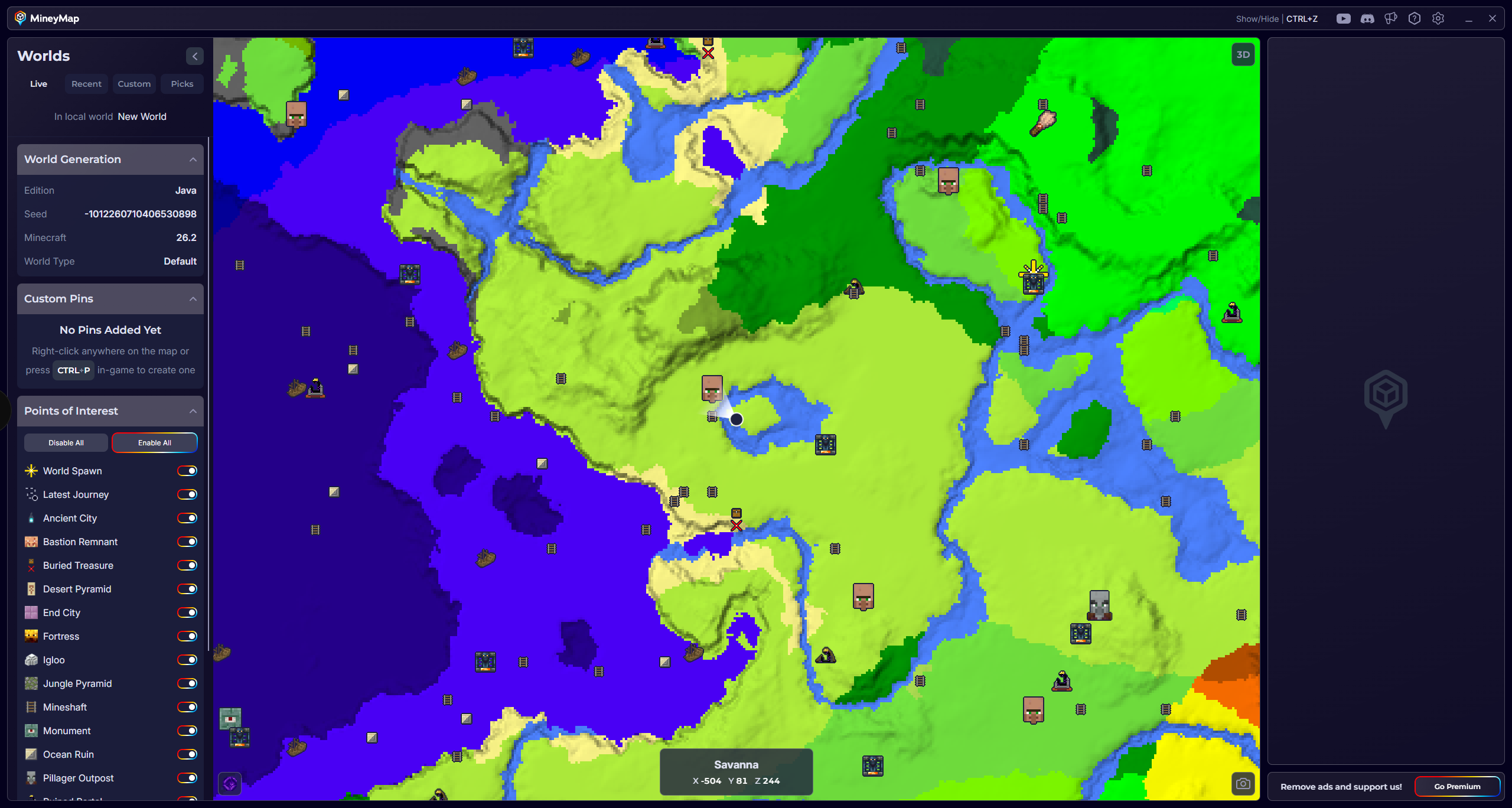
MineyMap full world map showing biomes, a live player marker, and useful locations
Use the full map to see biome areas in relation to your current position

06

Follow Your Position as You Travel

Keep MineyMap on a second screen or open it in game. Watch your position update on the full world map or minimap as you travel, and use your XYZ coordinates when you need a precise location.
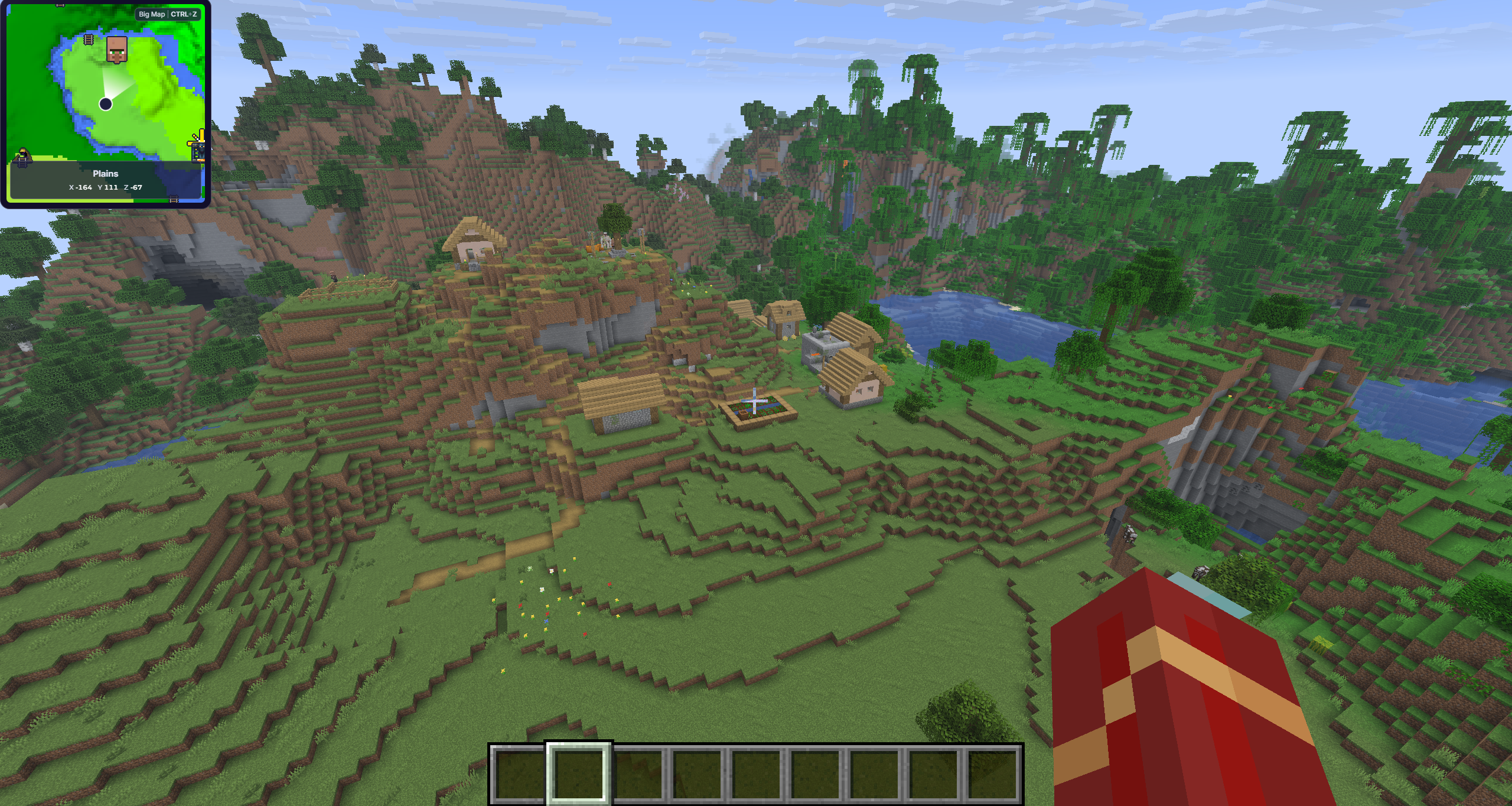
Minecraft gameplay with the MineyMap minimap showing live position and coordinates
The minimap stays alongside the game while your position updates in real time

Useful Answers

Frequently Asked Questions

What is the easiest way to find a biome with MineyMap?

Find the biome you want on MineyMap, choose the region you want to reach, and follow your live map position toward it.

Do biomes generate the same in Java and Bedrock?

The editions share many generation concepts, but exact terrain and biome results can differ by edition and version.

Is the Dappled Forest available in Minecraft yet?

As of July 2026, the Dappled Forest is available in Java 26.3 snapshots for testing. Snapshot features can change before release, so back up worlds and check your edition and version.

Where do Sulfur Caves generate?

Sulfur Caves usually generate underground, though rare sections can appear above ground and can be seen on MineyMap. Sulfur springs on the surface can also indicate that one is below.

Can I use MineyMap with modded Minecraft?

Yes. MineyMap generally works with modded Minecraft. However, when a mod changes world generation, such as Terralith, the displayed map may not match the terrain generated in game.

Map the World You Play

Stay Oriented in Your Next Minecraft World

Keep terrain, live coordinates, useful locations, and the places you save together on one clear map.

Download MineyMapFree Contains ads Subscription available