
Minecraft Java Seed Map

See More of Your Java World

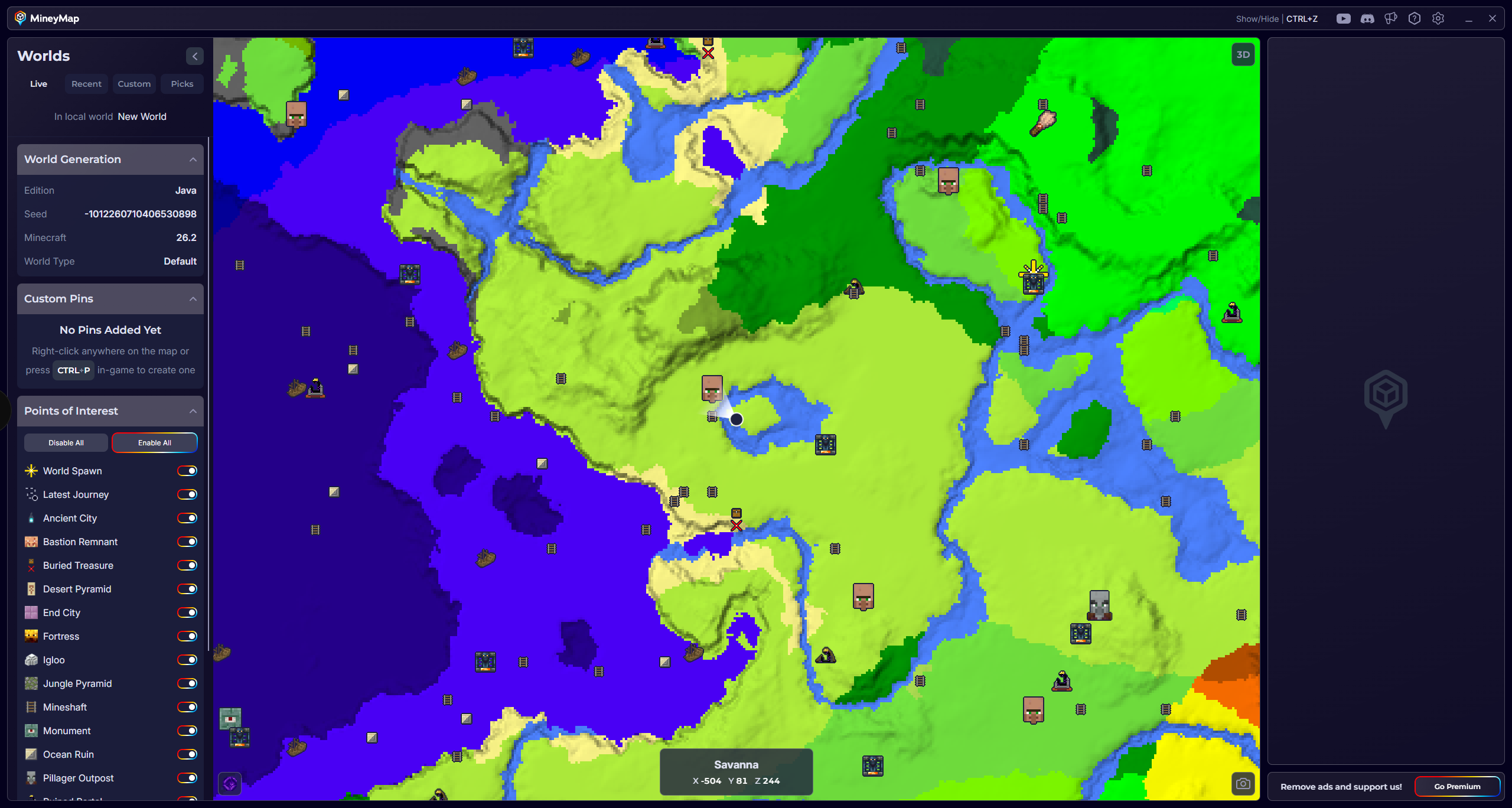
MineyMap supports Minecraft Java 1.18 and newer, giving players a wider view of their worlds with live position, coordinates, useful locations, and custom pins.

Download MineyMapFree Contains ads Subscription available
Java Edition 1.18+MineyMap displaying a Java world map with terrain, points of interest, and live coordinates
Java 1.18 and newerWorld-scale terrain viewLocations & custom pins

01

Understand the World Behind the Seed

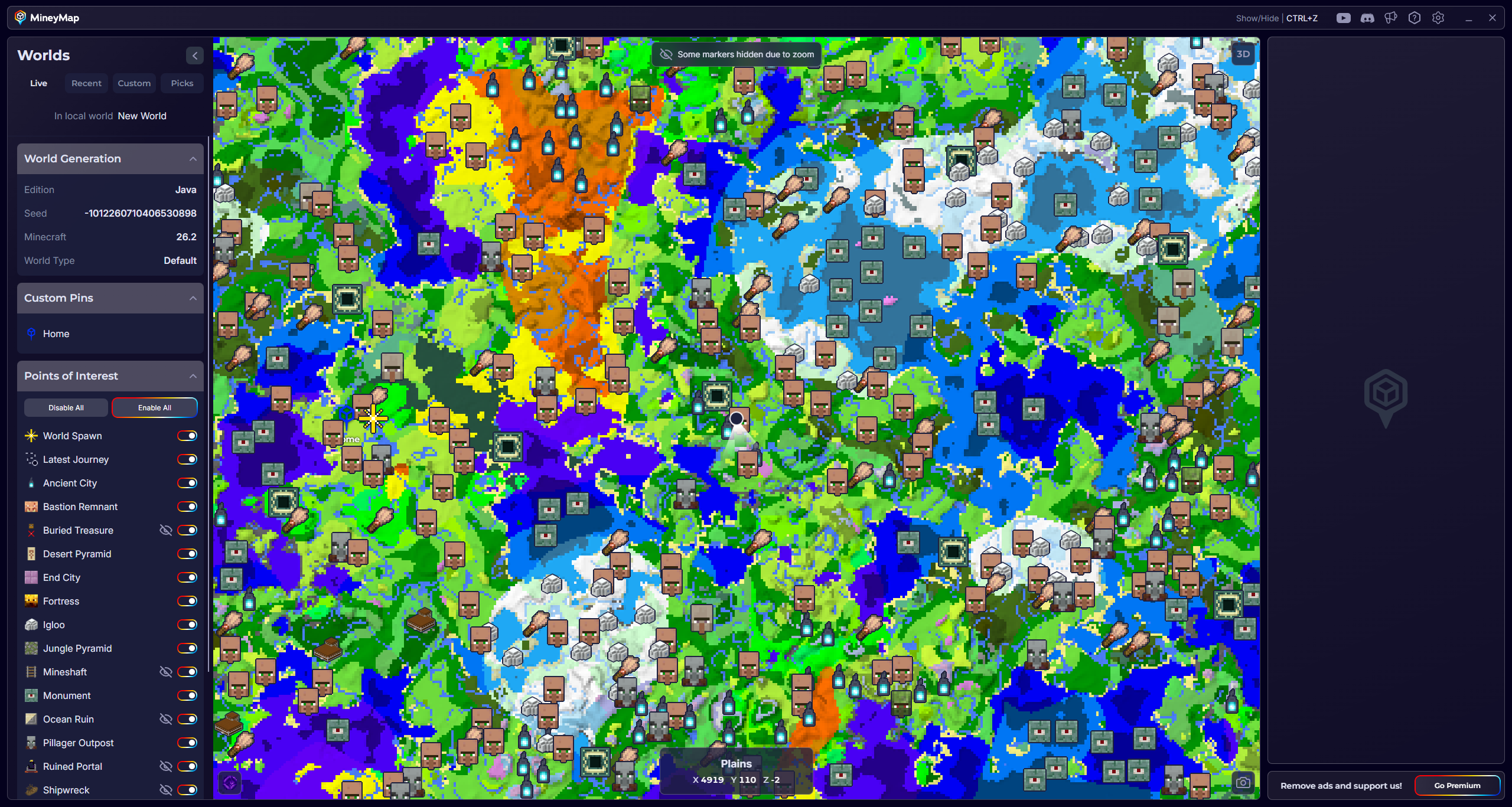
A seed creates far more terrain than you can see from spawn. MineyMap shows how biomes, structures, and useful locations fit together across the Java world you are playing.
MineyMap zoomed out across a large Java world with biomes and useful locations
Zoom out to understand how biomes, terrain, and useful locations fit together across a wider area

02

Built for Java 1.18 and Newer

MineyMap supports Minecraft Java versions 1.18 and newer. The same seed will usually look familiar from one supported version to another, though newer versions may introduce different biomes or structures in some areas.
MineyMap zoomed in on detailed Java terrain, biome boundaries, rivers, and a player marker
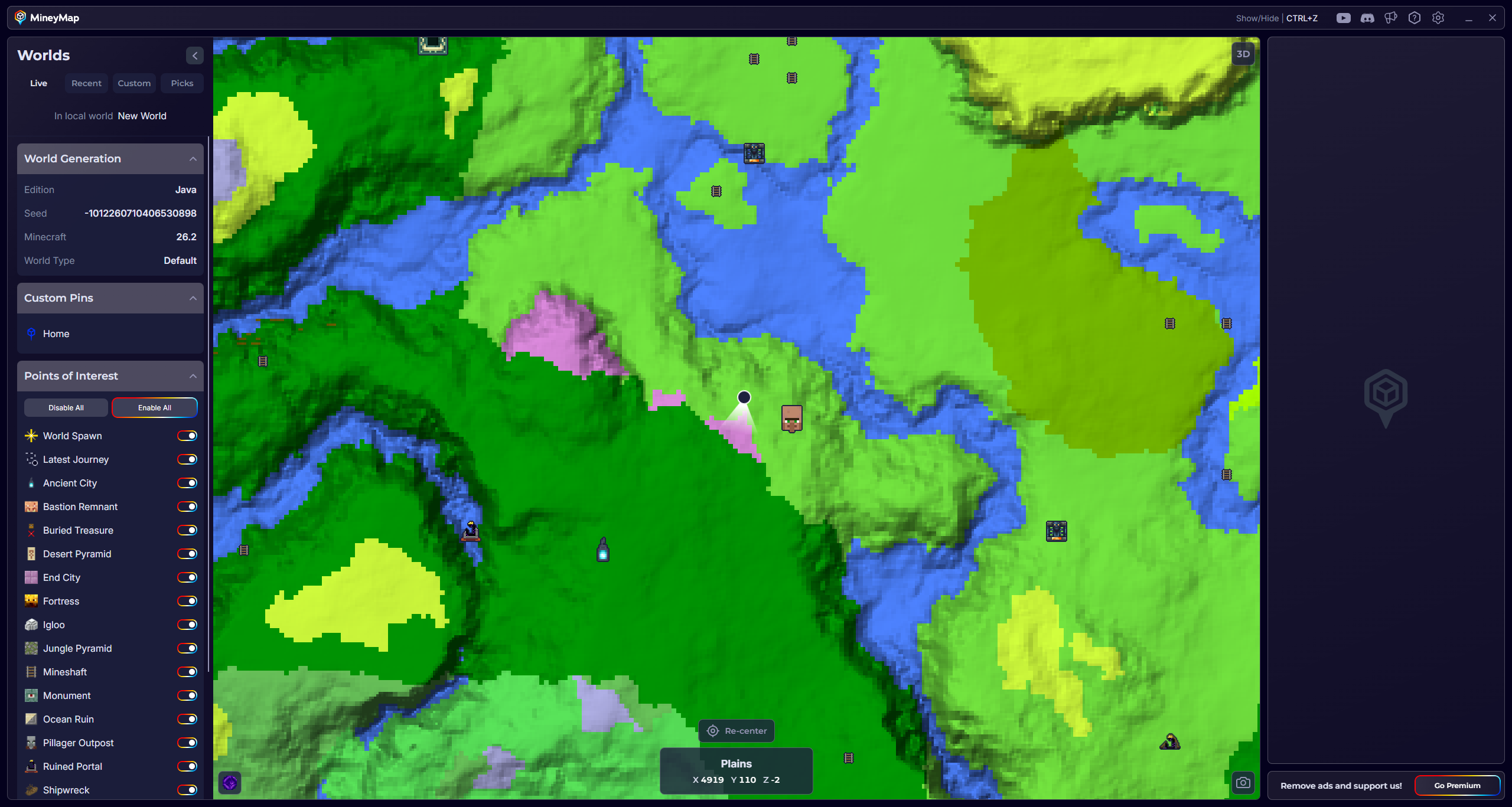
Zoom in for a closer look at terrain, biome boundaries, and your position

03

Just Start Playing

MineyMap works with the Java world you are playing, so you do not need to copy its seed into a separate website or map tool. Create a new world or continue an existing one, and MineyMap gives you a wider view alongside the game.
MineyMap companion window showing that Java support is ready while Minecraft is running
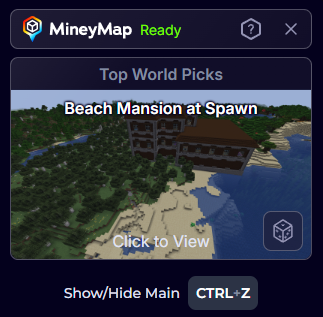
When your Java world is ready, MineyMap is ready alongside it

04

Choose What You Want to See

Use the points-of-interest filters to show the structures and locations that matter to your current plans, while hiding the rest.

Show only the types of locations that matter to what you are doing

Useful Answers

Frequently Asked Questions

Does MineyMap support Java Edition worlds?

Yes. MineyMap supports Minecraft Java Edition versions 1.18 and newer.

Will the same Java seed look different between versions?

It will usually look familiar across supported versions, but newer versions may introduce different biomes or structures in some areas.

Does MineyMap support terrain-changing mods?

MineyMap will usually still work with terrain-changing mods, but the displayed map may not match the terrain generated in game.

Map the World You Play

Stay Oriented in Your Next Minecraft World

Keep terrain, live coordinates, useful locations, and the places you save together on one clear map.

Download MineyMapFree Contains ads Subscription available