01
Craft a Map the Traditional Way
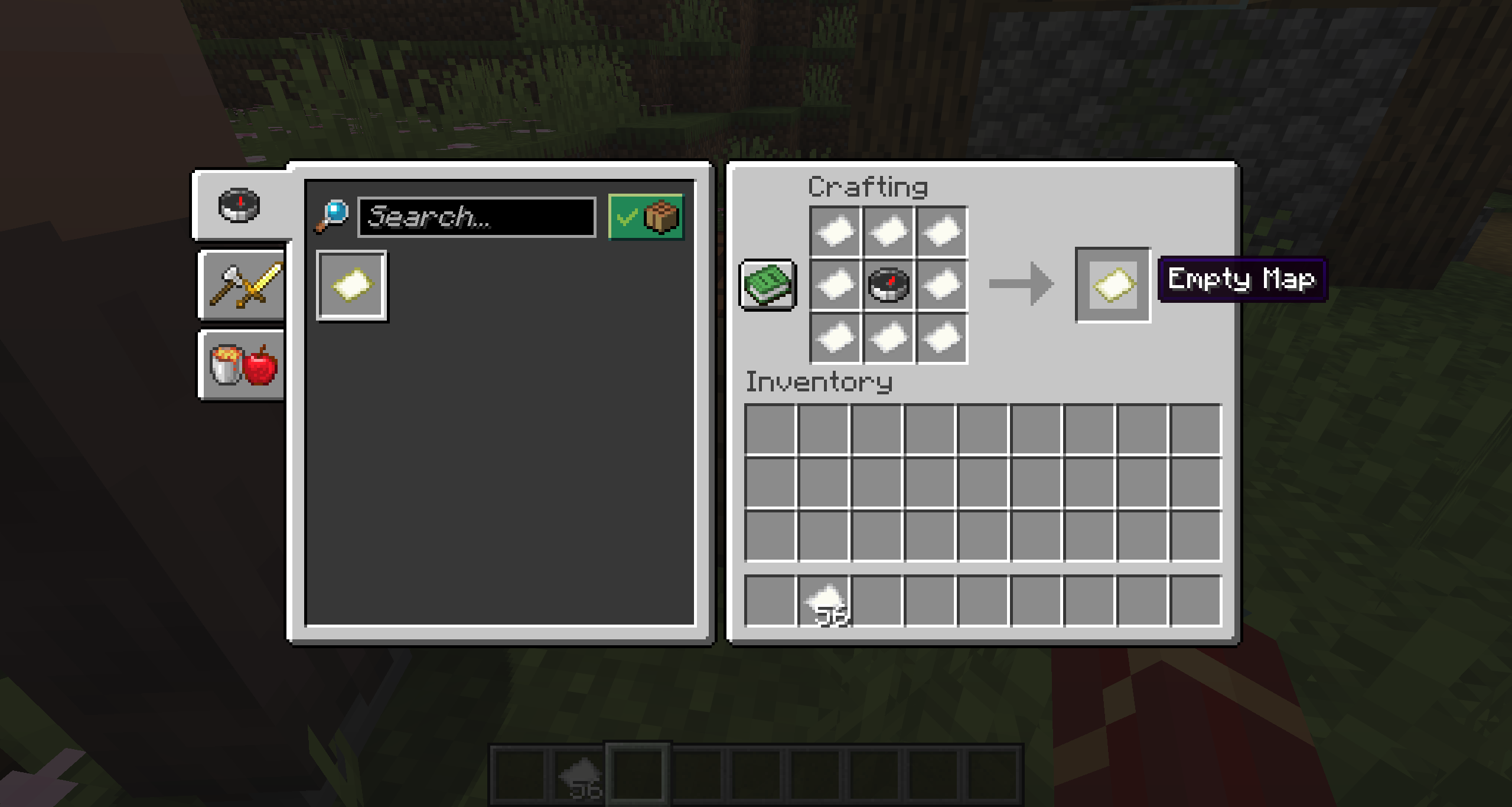
If you want the classic Minecraft experience, start with paper and a compass. Paper comes from sugar cane; a compass uses iron and redstone. Combine the appropriate ingredients at a crafting table to create a map or locator map, depending on your edition.
- Turn sugar cane into paper
- Craft a compass from iron and redstone
- Use the crafting recipe for your Java or Bedrock edition
02
Walk Around to Fill It In
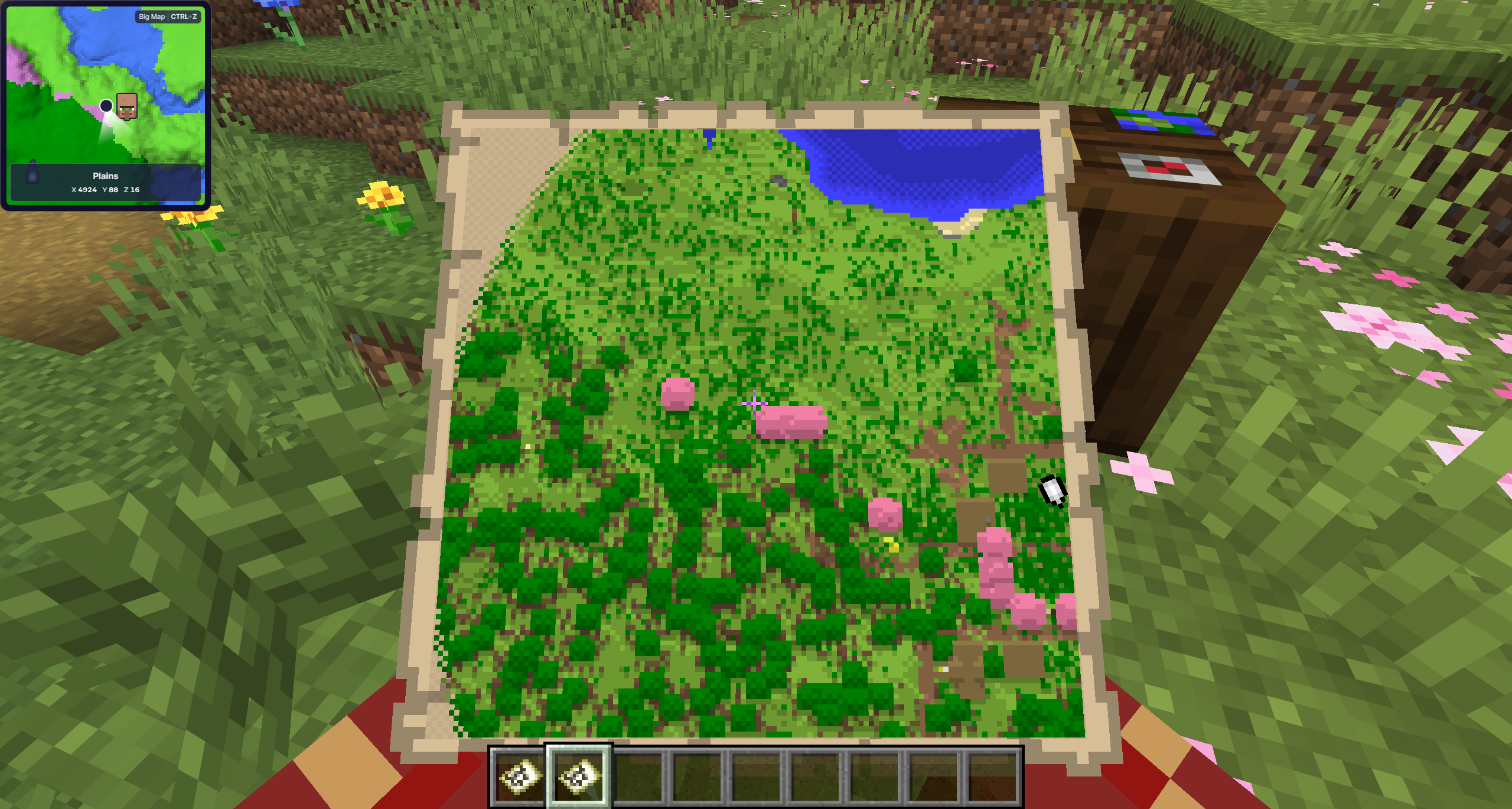
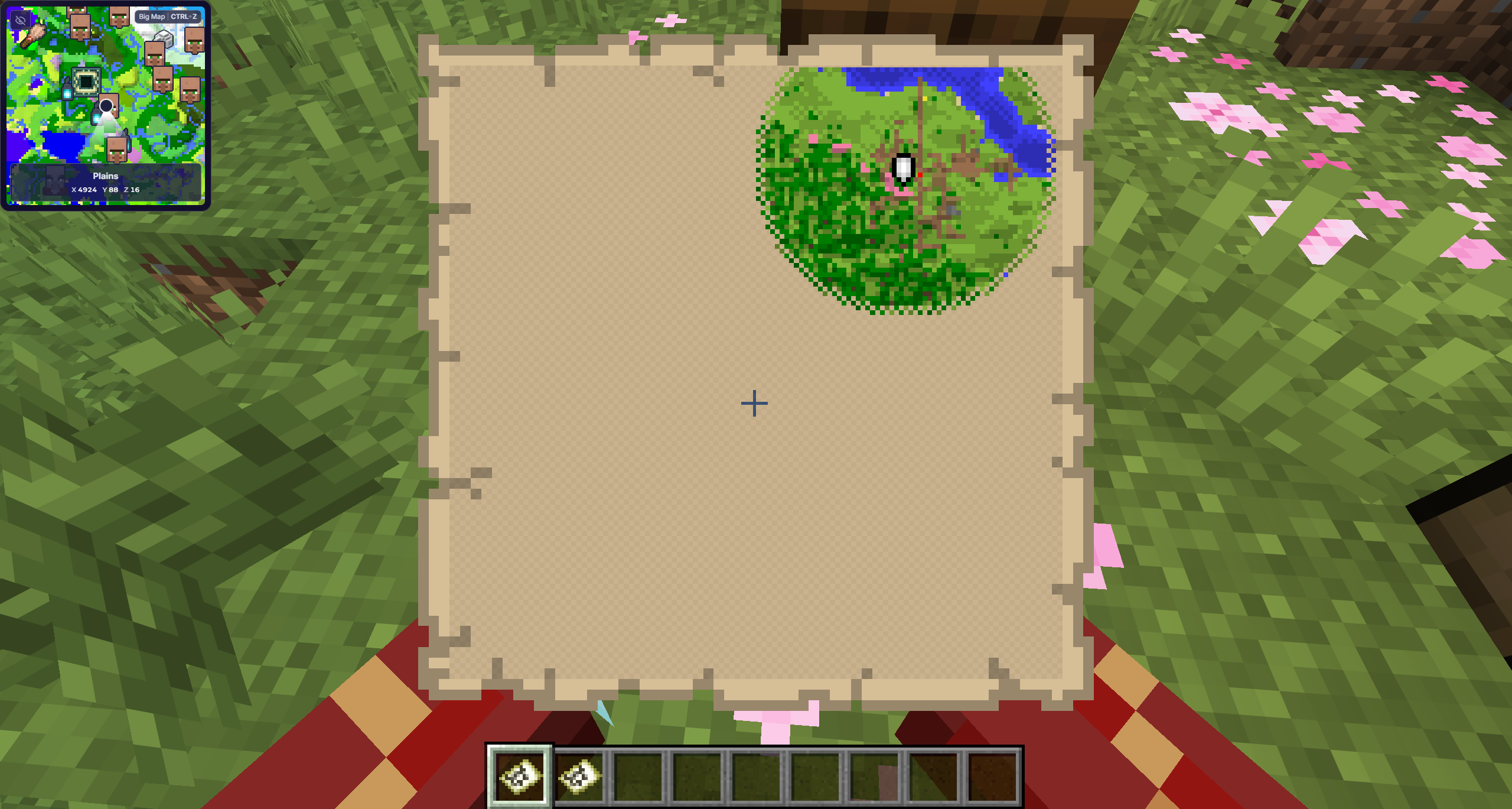
Activate the new map, hold it, and explore the surrounding region to reveal it. A standard map only records the fixed area it covers, so unexplored regions remain blank until you travel through them.
03
Put the Cartography Table to Work
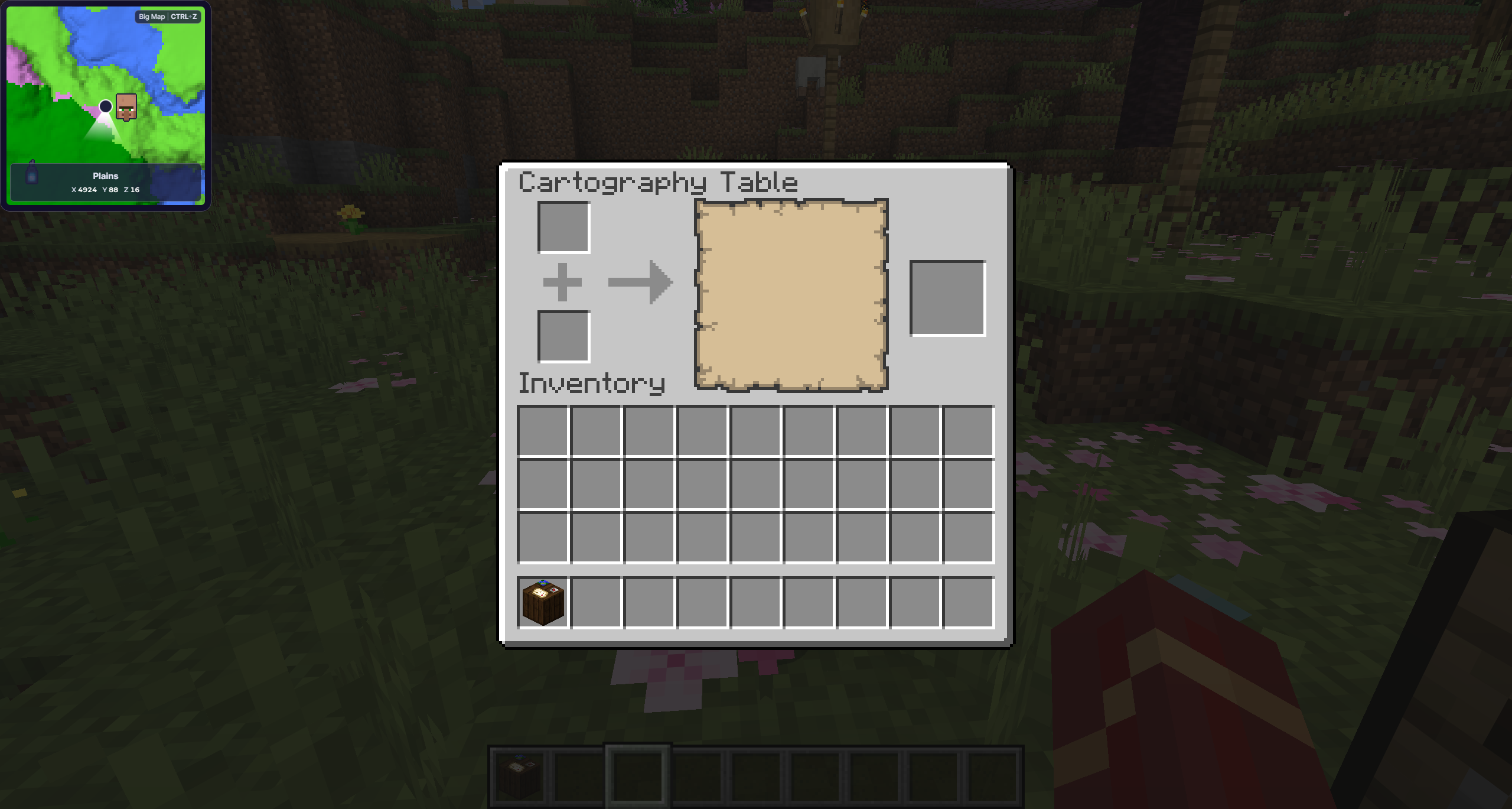
A cartography table can zoom out an explored map with paper, clone it with an empty map, or lock it with a glass pane. That is a surprising amount of paperwork for a block made from paper and planks.
- Add paper to zoom out and cover more terrain with less detail
- Add an empty map to create a copy
- Add a glass pane to lock the map and stop future updates
04
Know the Java and Bedrock Difference
Java maps show the player with a pointer by default. In Bedrock, use a locator map when you want player markers; a cartography table can add a compass to an empty or explored map.
05
Expand It or Add More Maps
A wider scale covers more terrain but shows less detail. Travel beyond the boundary and you will need another map for the next region, followed eventually by a wall large enough to concern your architect.
06
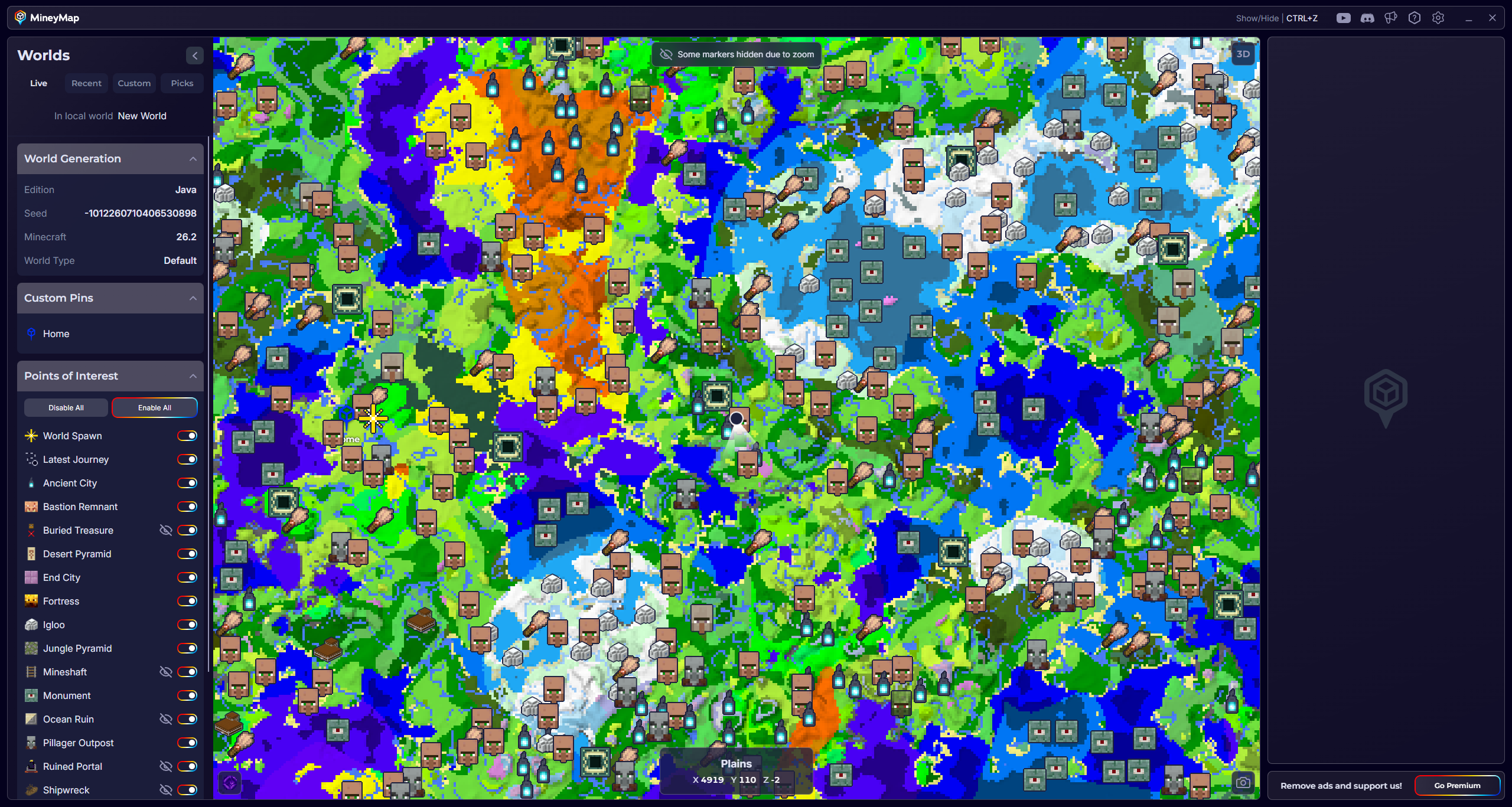
Skip the Paperwork with MineyMap
Skip the compass, cartography table, and increasingly ambitious map wall. MineyMap shows the world you are playing on desktop, on a second screen, or in game, with your live position, XYZ coordinates, biomes, points of interest, and named pins.